Everything you need for documents
The tools many apps put behind a subscription are free in WordCare.
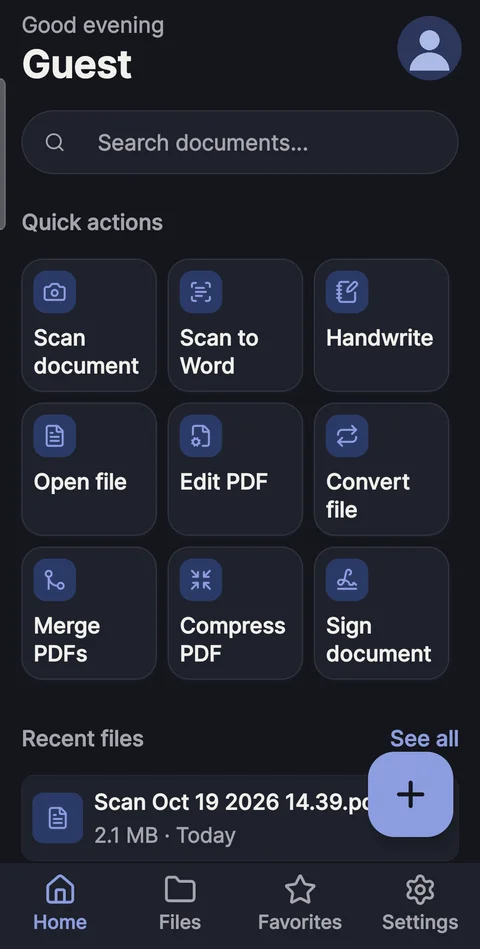
Scan
Document scanner with text recognition
- Automatic edge detection and clean-up filters
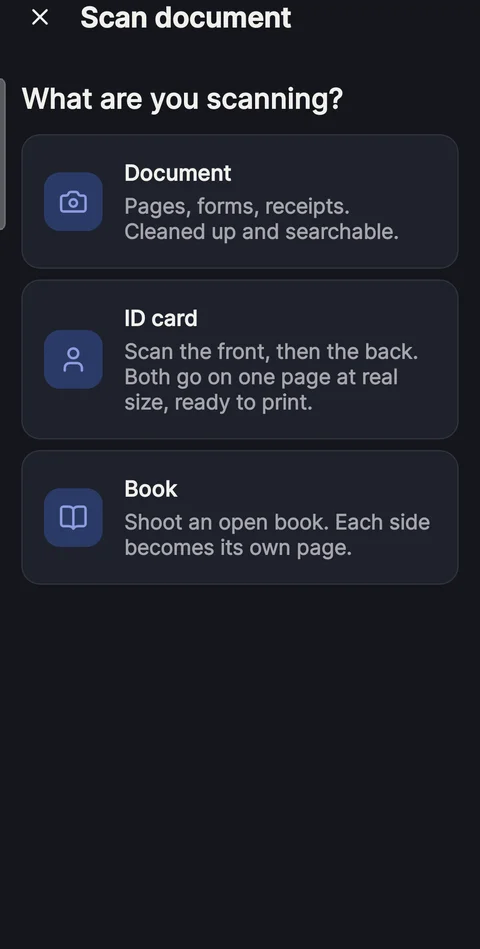
- ID card mode: front and back on one page, at real card size
- Book mode: one photo of an open book becomes two pages
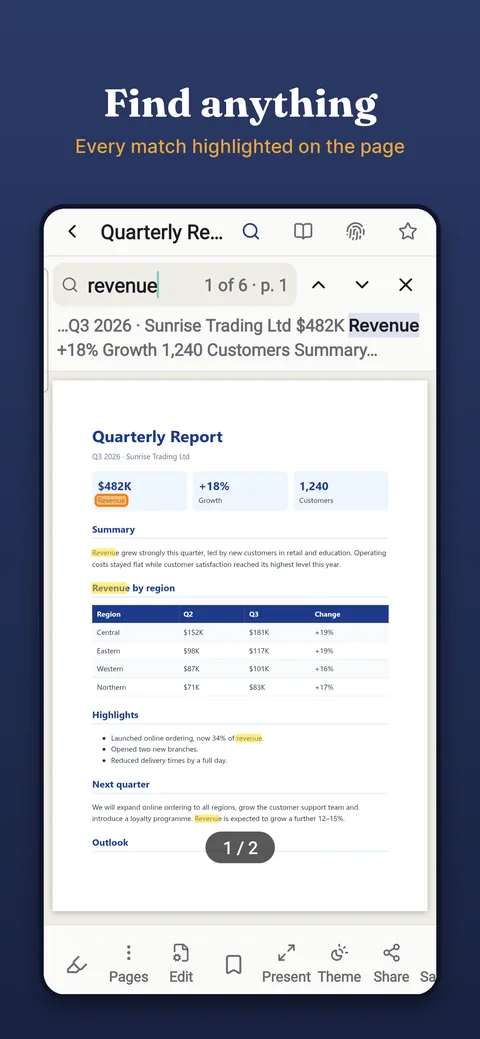
- Searchable scans: find, select and copy the text
- Scan to Word: printed pages and handwriting to editable text
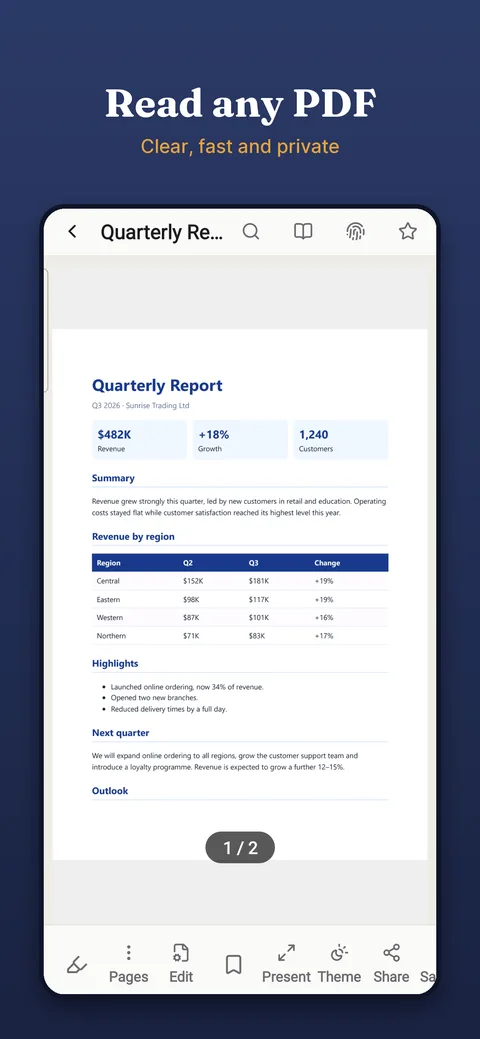
Read, sign and edit PDFs
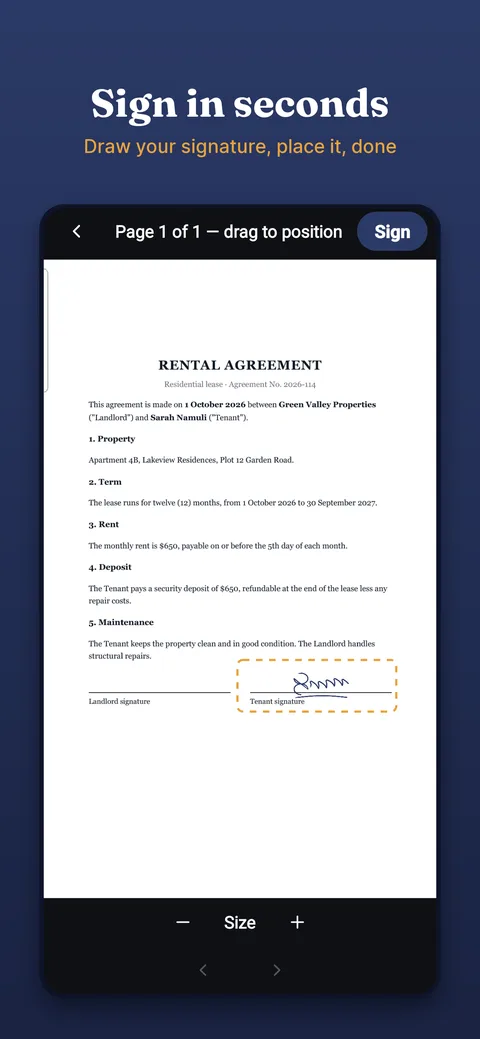
- Sign documents and fill in PDF forms
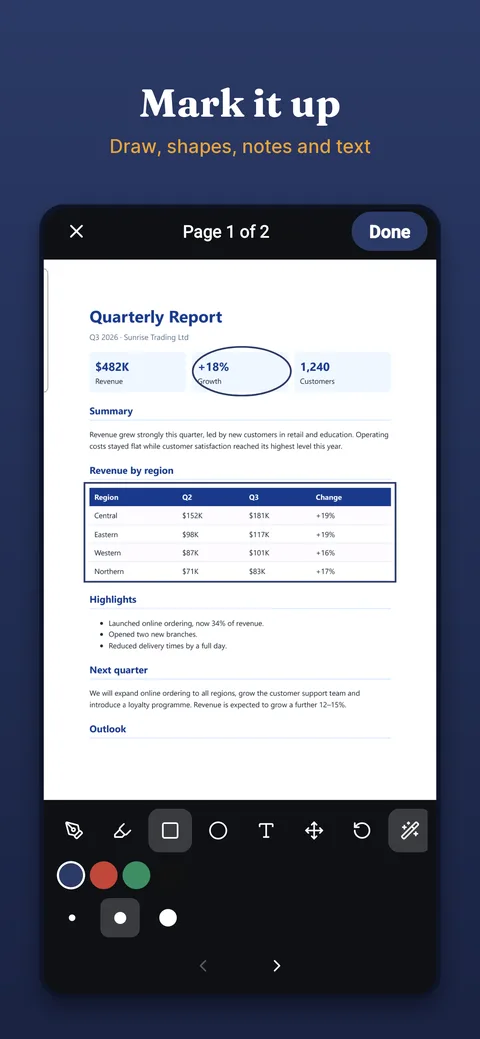
- Annotate with pen, highlighter, shapes and text
- Merge, split, reorder, rotate and delete pages
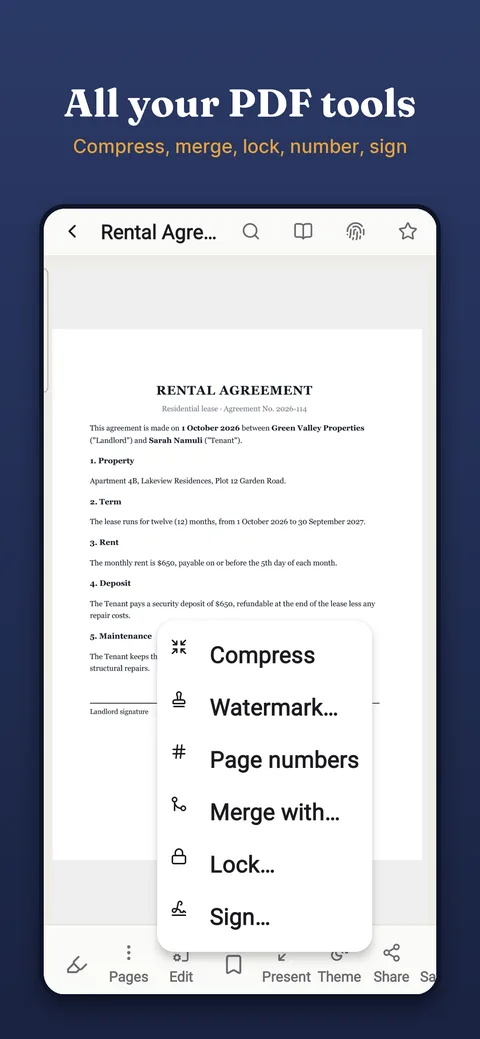
- Compress, watermark, page numbers, password lock
- Redact: hidden text is really removed from the file
- Convert PDF to and from Word, Excel, PowerPoint and images
Office
Word, Excel and PowerPoint files
- Docs: styles, lists, tables, pictures, headers, footers, comments
- Sheets: formulas that calculate, charts, filters, dropdowns
- Slides: layouts, themes, transitions, full-screen presenting
Handwritten notes
Notebooks for school and work
- Pen, brush, marker and highlighter
- Ruled, grid, dotted, Cornell, planner and music pages
- Folders such as Studies › Chemistry, one notebook per topic
- Turn handwriting into text, share as PDF
Private by design
Your files stay yours
- No account needed for any feature
- Files stay on your phone; nothing is uploaded
- Optional backup to your own Google Drive
- Lock single documents with fingerprint or PIN
One free app instead of several
If you use one of these apps today, WordCare covers the same job, and the others too.
Questions
Is WordCare free?
Yes. Every feature is free, including merging, compressing, signing and locking PDFs, scanning and editing Office files. The free version shows a small ad; an optional one-time purchase removes it.
Do I need an account?
No. Everything works without signing in. Signing in with Google or Apple is optional and only used for backup to your own Google Drive.
Does WordCare work offline?
Yes. Scanning, text recognition, PDF tools and Office editing all run on your phone without internet.
Are my documents uploaded anywhere?
No. Your files stay on your phone. Nothing is uploaded unless you turn on backup to your own Google Drive.
Can WordCare scan both sides of an ID card onto one page?
Yes. Choose ID card in the scanner, scan the front and then the back, and WordCare puts both sides on one page at real card size.
Can it scan a book?
Yes. Choose Book, photograph the open book, and WordCare splits the two facing pages into separate pages.
Can I edit Word, Excel and PowerPoint files?
Yes. WordCare opens and edits .docx, .xlsx and .pptx files, with formulas that calculate in spreadsheets and full-screen presenting for slides.
Is there an iPhone version?
Yes. WordCare is on the App Store for iPhone (iOS 15.5 or later) and on Google Play for Android.
Languages: English, Kiswahili, Luganda, Français, Español, Deutsch, Italiano, Português, Polski, Română, Українська, Русский, Türkçe, Tiếng Việt, हिन्दी, 中文, 日本語, 한국어, العربية, اردو.